Tune up, keep time, learn songs.
Three apps made by a musician for musicians: precise, focused and a pleasure to use. For iPhone, iPad and Mac, in six languages.
Sonandi
Tuner for string instruments
Discover ↓
Tempora
A metronome for every rhythm
Discover ↓
Repetita
Practice player — repetita iuvant
Discover ↓
Sonandi
Tuner for string instruments
Available foriPhoneiPadMac
Sonandi listens to your instrument and guides you with a needle and colors to perfect pitch. Made for musicians who play more than one string instrument.
- Detects the string you play automatically, accurate to the cent
- Guitar, bass, ukulele, mandolin, banjo, bowed strings and world instruments (bouzouki, oud, charango, cavaquinho, balalaika), with dozens of tunings
- Chromatic mode for winds and voice, with transposed reading for B♭, E♭ and F instruments
- Reference pitch from 430 to 450 Hz and a reference tone for every string
Also available for iPhone and iPad: scan the QR code with your phone.

Screens
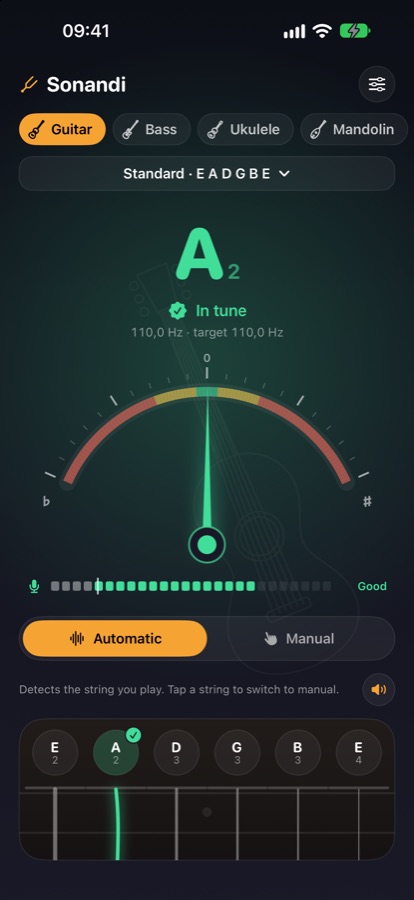
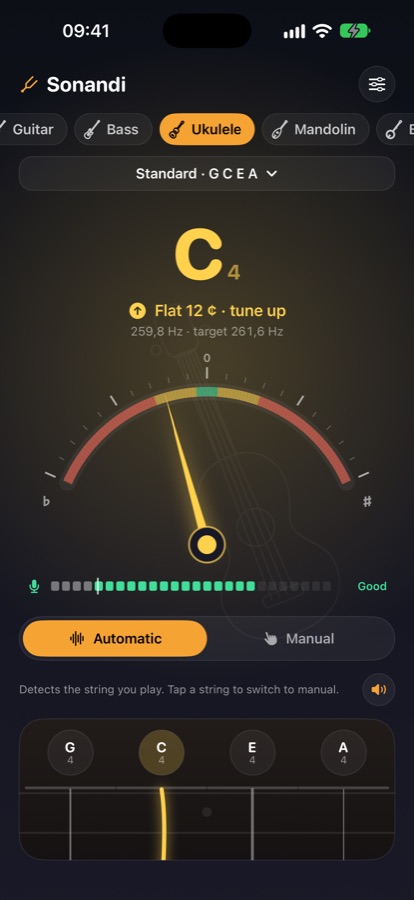
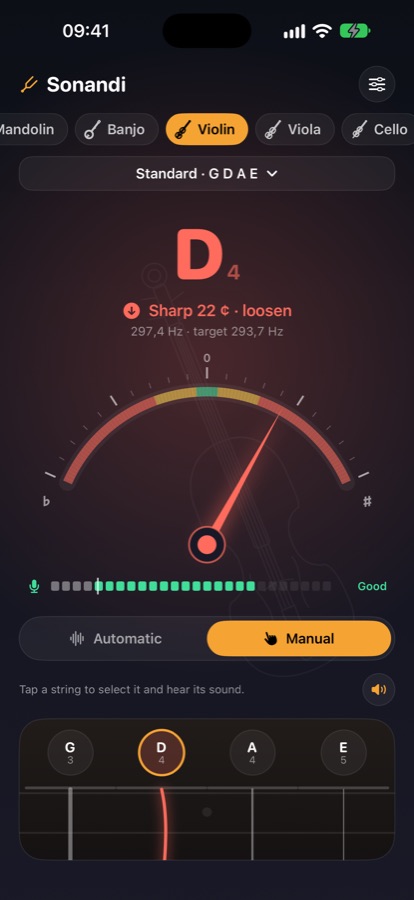
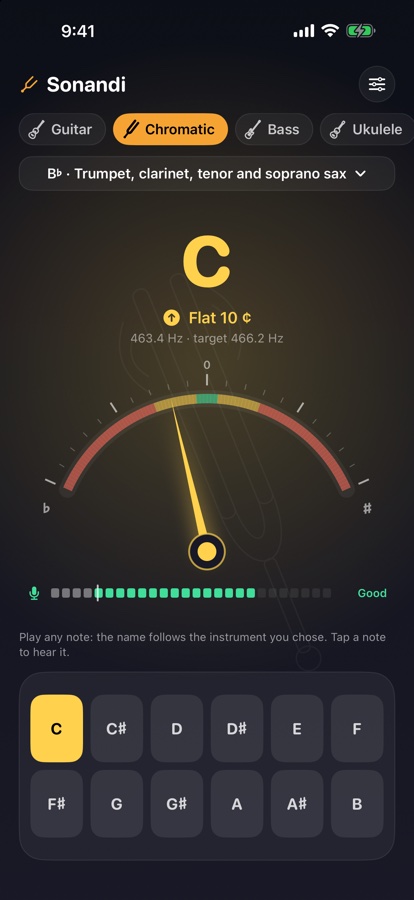
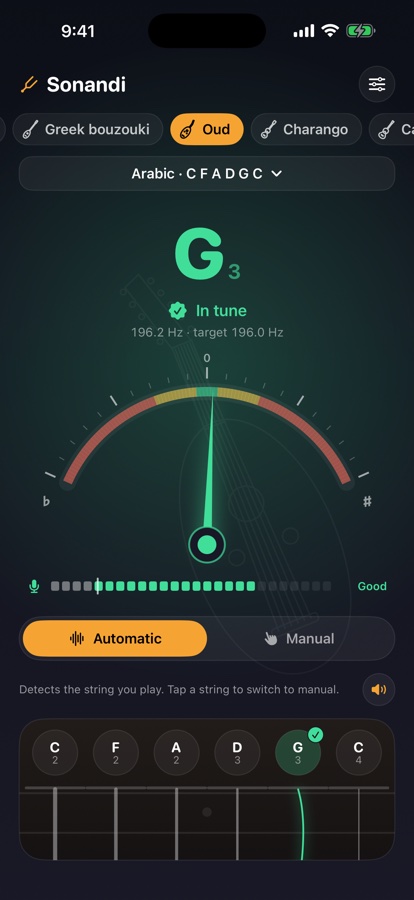
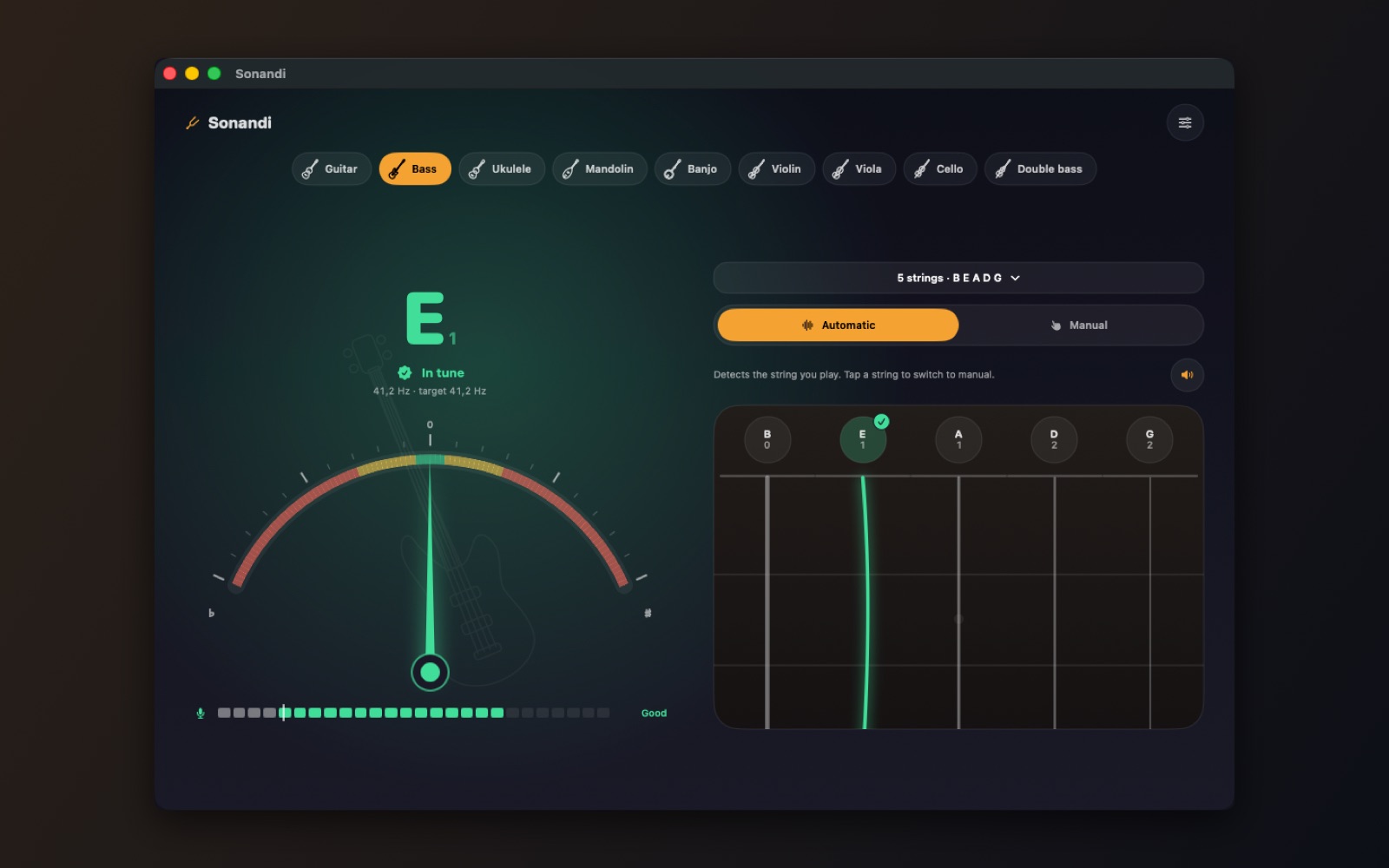
On Mac too, with a large window and keyboard shortcuts.
How it works
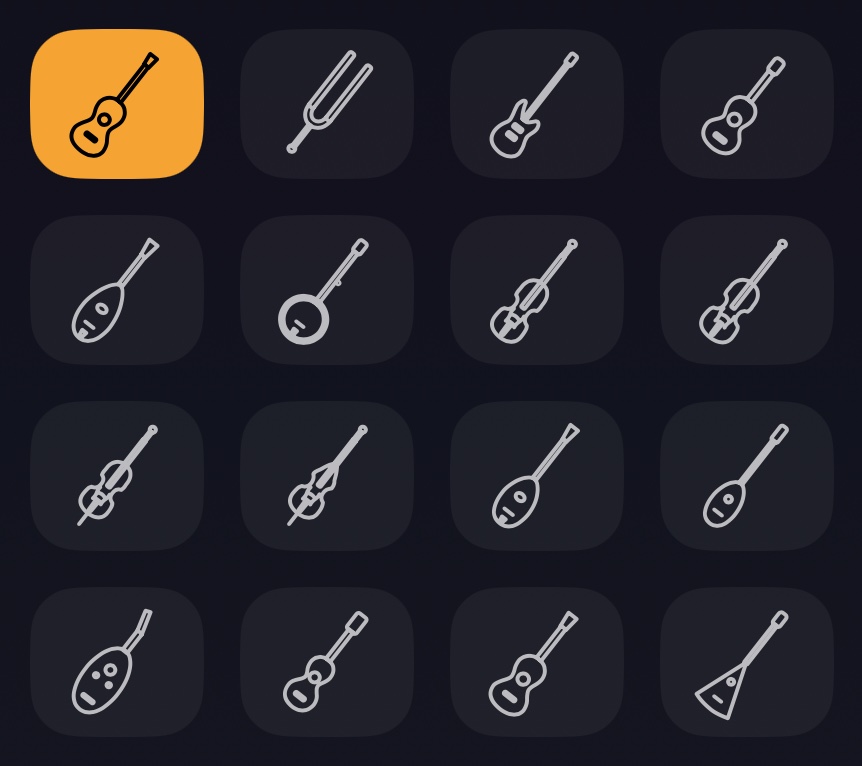
1Welcome to Sonandi
A tuner for every string instrument, with a chromatic mode for winds and voice. Start by choosing your instrument and tuning at the top of the screen.
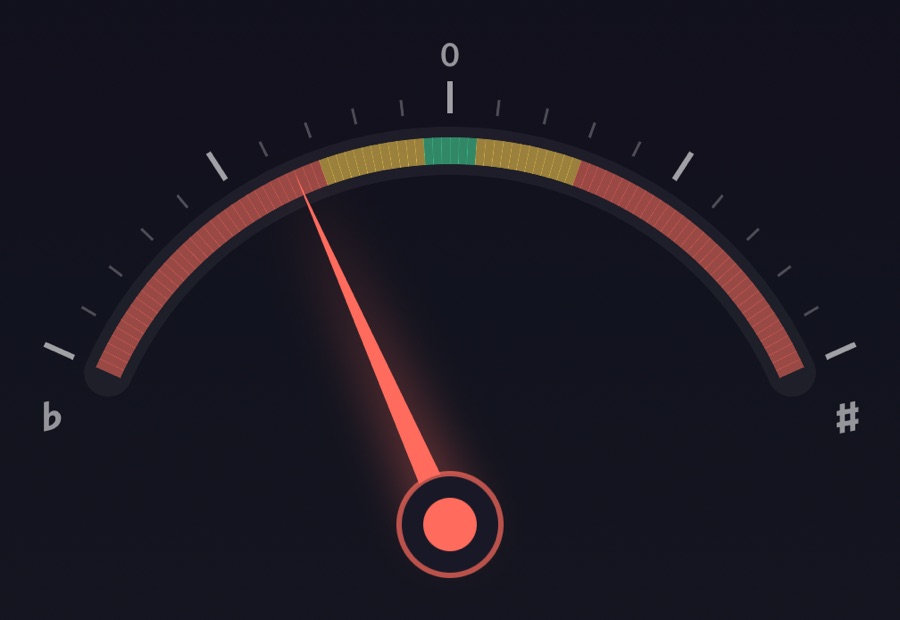
2Play a string
The needle shows how far you are from the right note: red is far, yellow is close, green is in tune. Follow the hint to tune up or loosen.
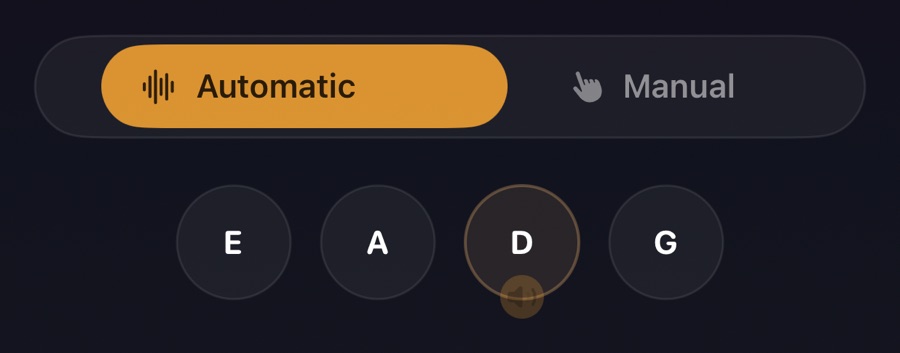
3Automatic or manual
In Automatic mode Sonandi recognizes the string you play. Tap a string to switch to Manual: it stays selected and you hear its reference sound.

4Microphone level
The bar shows how well Sonandi hears you. Stay past the white mark; if it says Low, bring the instrument closer.
5Make it yours
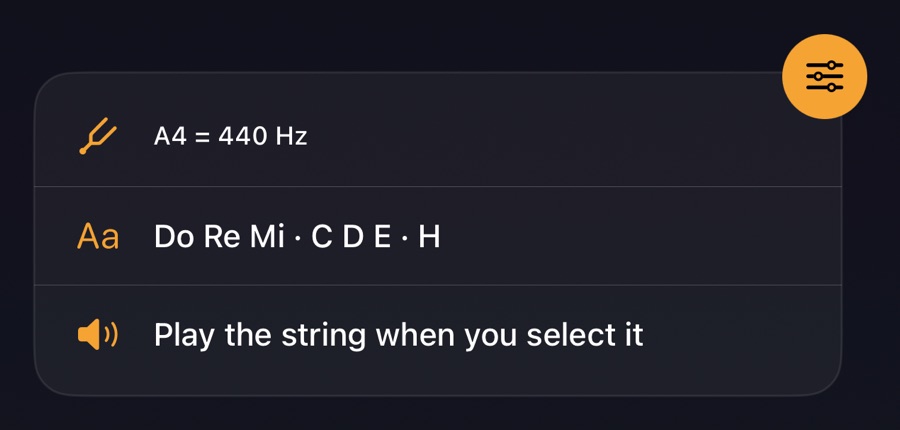
In Settings you can change the reference pitch, the note names and the reference sound. You can open this guide again from there.
Tempora
A metronome for every rhythm
Available foriPhoneiPadMac
Tempora goes beyond a simple click: odd meters, groupings, polyrhythms and practice tools, with timing accurate to the single audio sample.
- Odd meters and groupings (7/8 = 2+2+3), accents on every beat
- Subdivisions up to septuplets, swing and polyrhythms like 3 against 4
- Speed trainer, muted bars, presets and setlists for rehearsals and gigs
Also available for iPhone and iPad: scan the QR code with your phone.

Screens
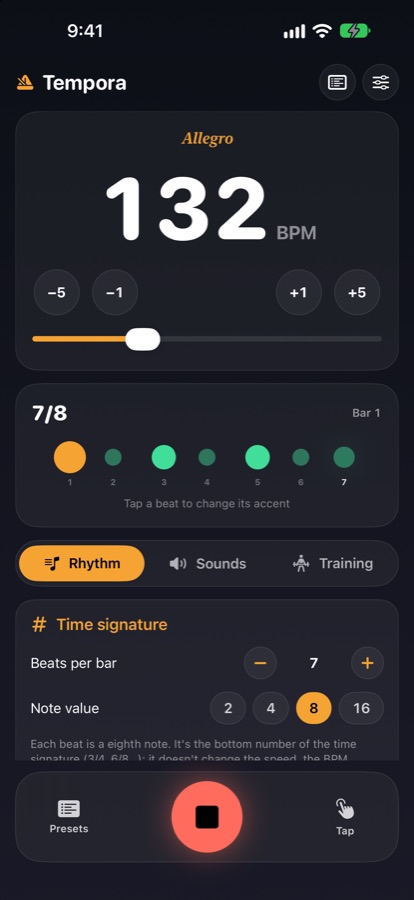
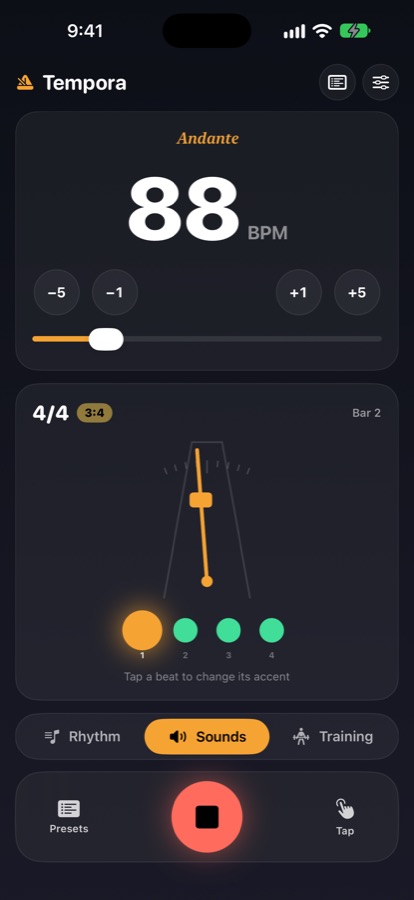
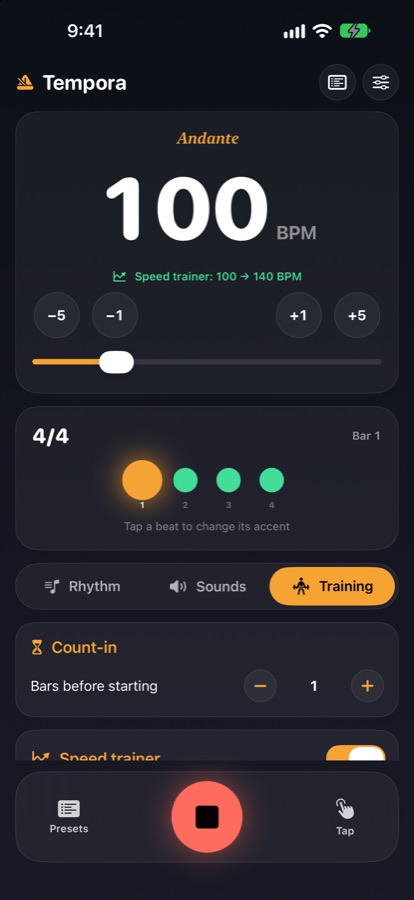
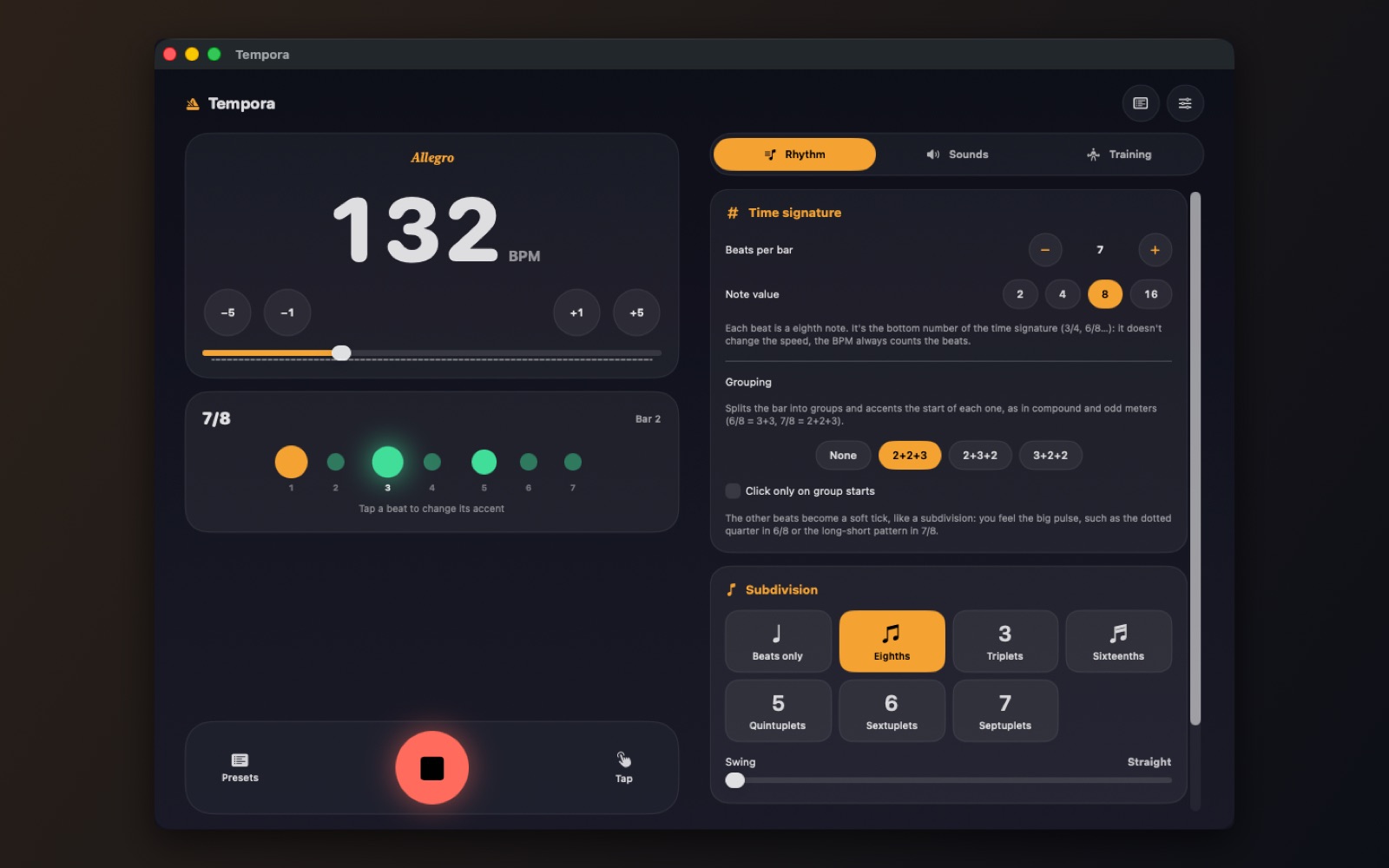
On Mac too, with a large window and keyboard shortcuts.
How it works
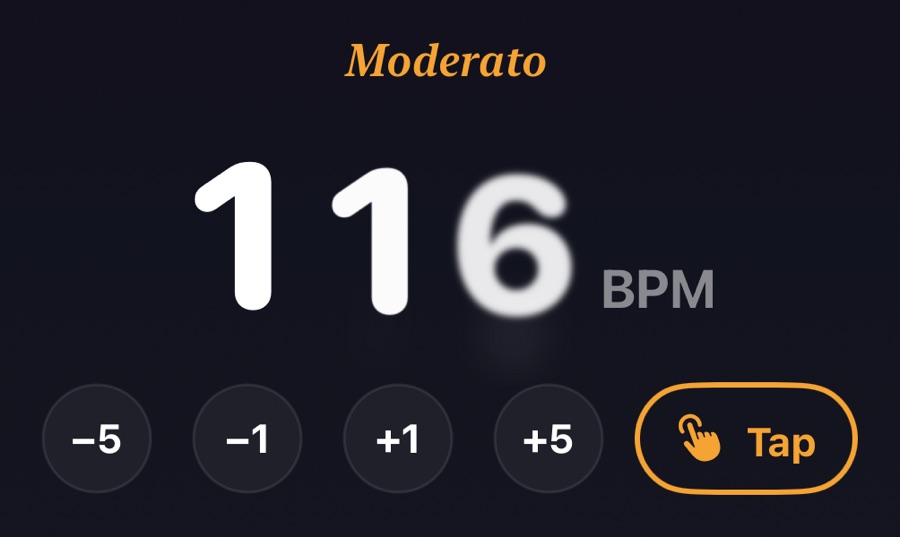
1Welcome to Tempora
Set the tempo by dragging the big number up or down, with the −5 −1 +1 +5 buttons (hold to repeat) or by tapping Tap in time.
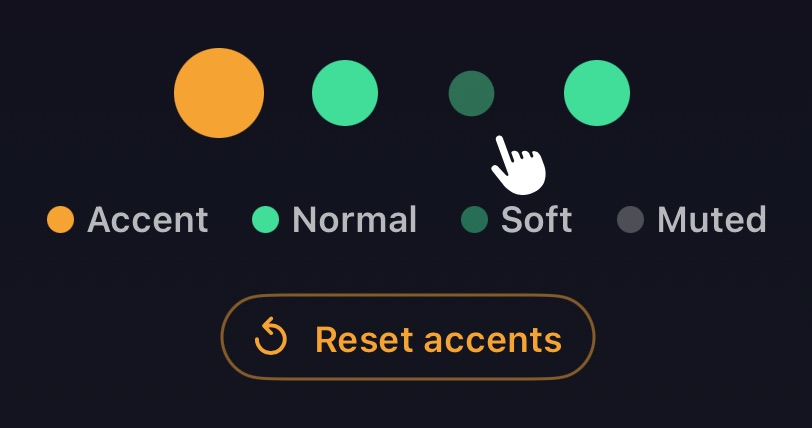
2Accents
Tap a beat to change it: normal, accented, soft or silent. Reset accents appears when you change something.
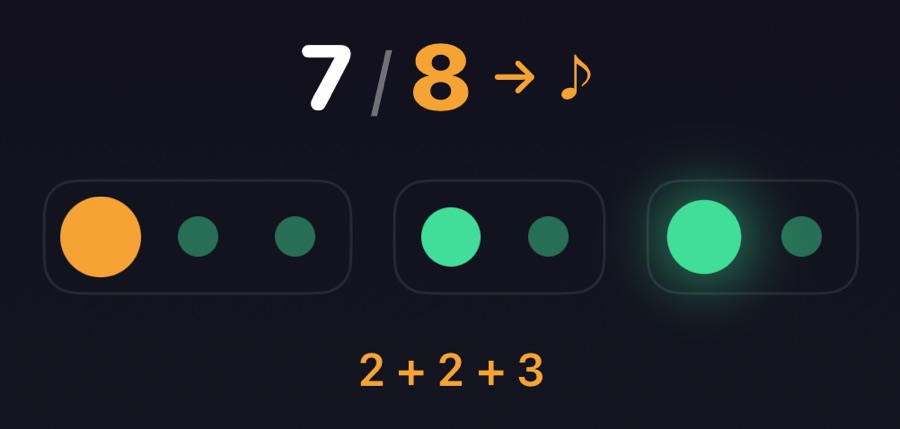
3Note value and grouping
The note value is the bottom number (3/4, 7/8): it says what each beat is worth, not how fast it goes. Grouping splits the bar and accents each group's start: 7/8 can be 2+2+3 or 3+2+2.
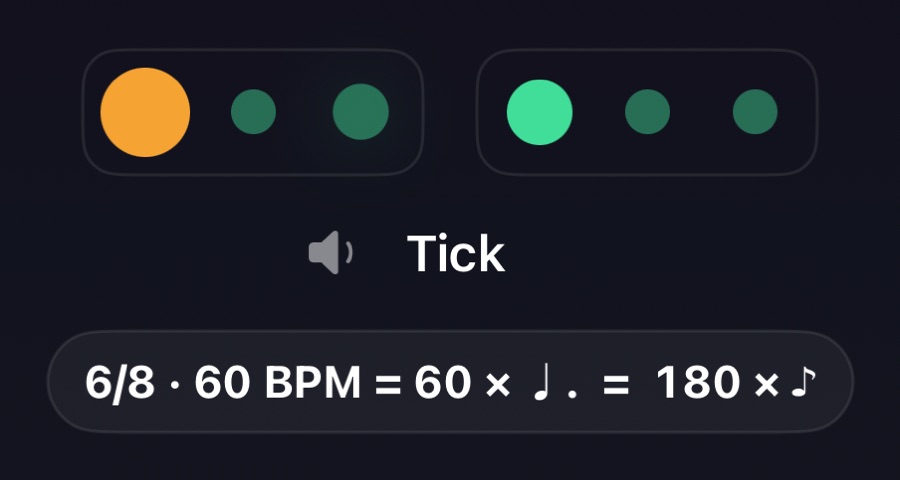
4Feel the big pulse
With Click only on group starts, the other beats become a soft tick. With BPM counts the groups, 6/8 at 60 means 60 dotted quarters, that is 180 eighth notes per minute.
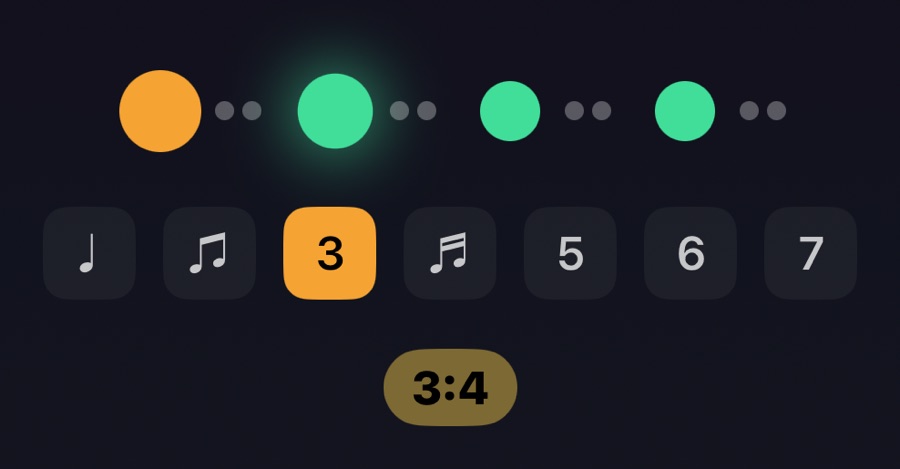
5Subdivisions and polyrhythms
Add eighths, triplets or up to septuplets inside each beat, with swing on eighths and sixteenths. A polyrhythm (such as 3 against 4) plays its own evenly spaced beats over the bar.
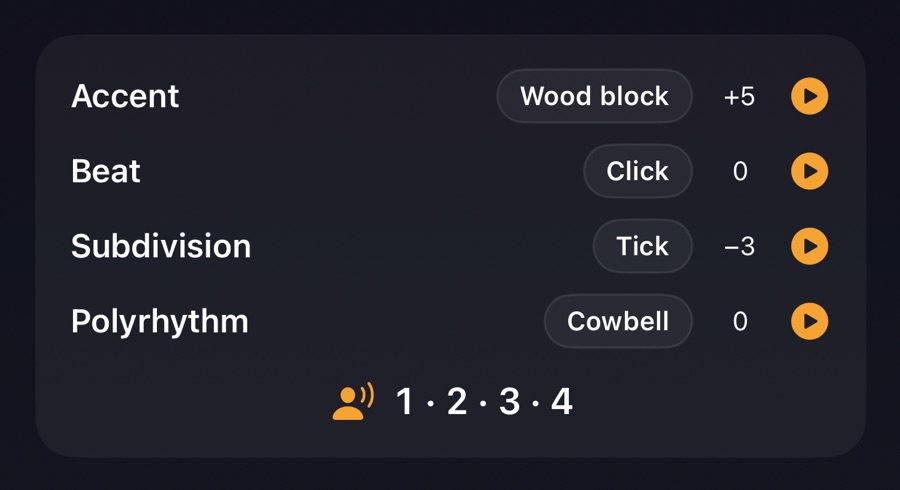
6Your sound
Accents, beats, subdivisions and polyrhythm each have their own sound, pitch and volume: tap ▶ to preview. A voice can also count the beats, with or without clicks.
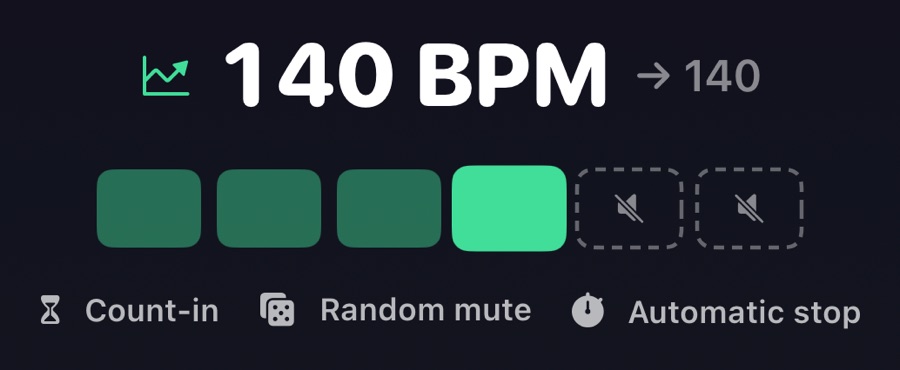
7Training
The speed trainer changes the tempo every few bars up to a target. Muted bars and random mutes test your inner time. Add a count-in, or an automatic stop after bars or minutes.
8Presets and setlists
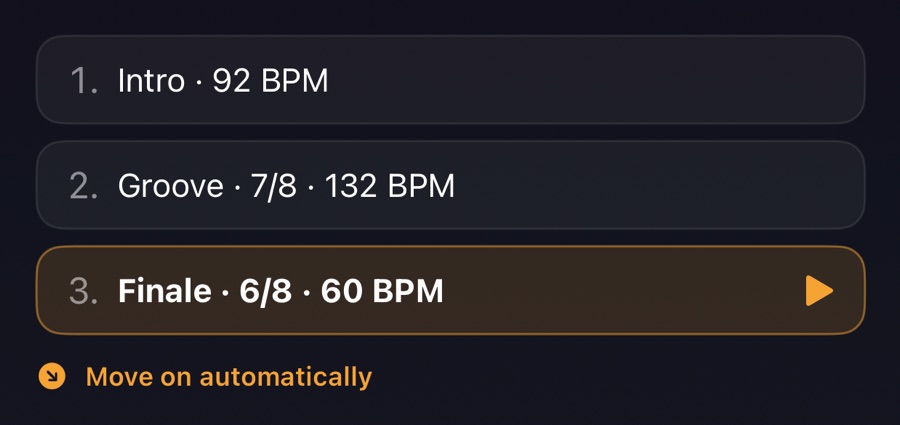
Save your settings as presets and line them up in setlists. With automatic stop enabled, a setlist moves on to the next song by itself.
9On stage and in your pocket
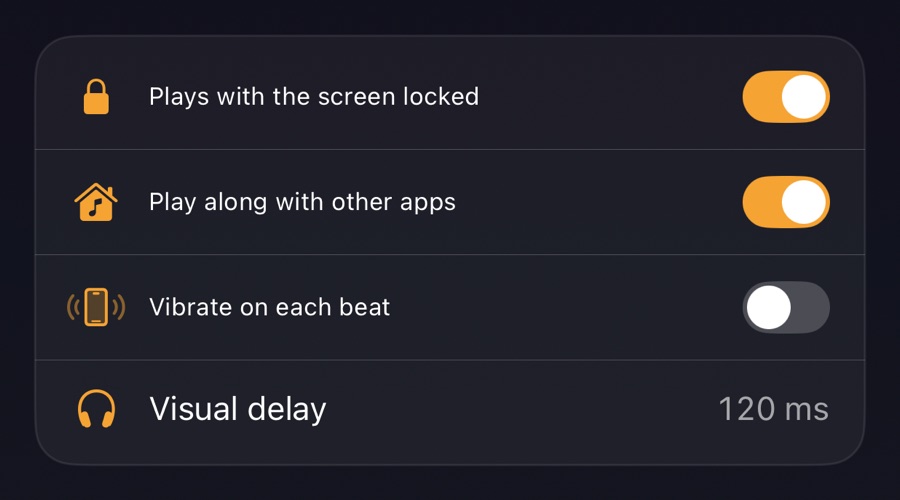
Tempora keeps playing with the screen locked. In Settings you can play along with other apps, show lock screen controls, vibrate on each beat and fix the visual delay of Bluetooth headphones.
Repetita
Practice player — repetita iuvant
Available foriPhoneiPadMac
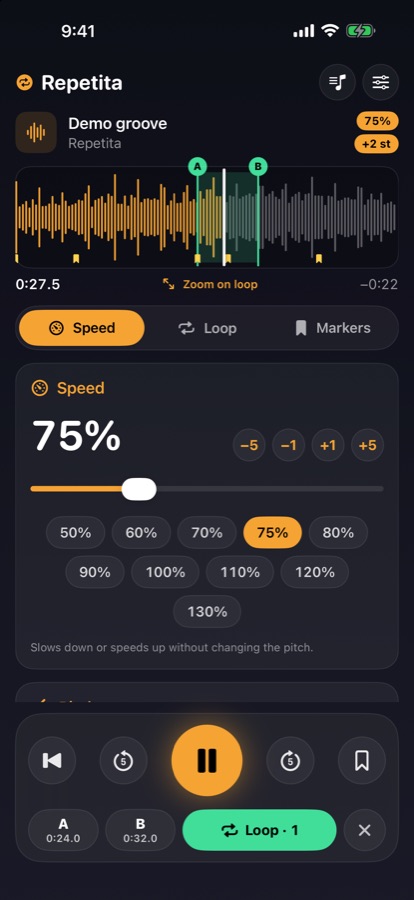
Repetita iuvant: repetition helps. Open the song you're learning, slow it down without changing its pitch, loop the hard passage and repeat it until it's yours.
- Slow down from 25% to 200% without changing the pitch, transpose by semitones
- Seamless A–B loop, speed trainer and markers
- Audio and video files from your device, and YouTube links in the official player
Also available for iPhone and iPad: scan the QR code with your phone.

Screens
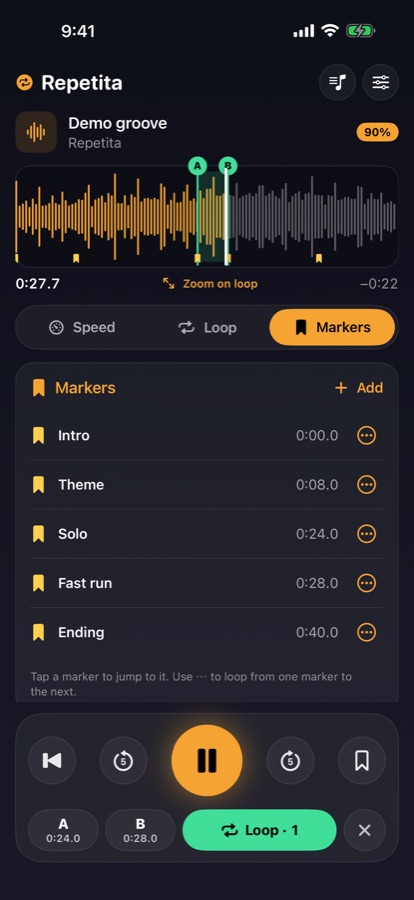
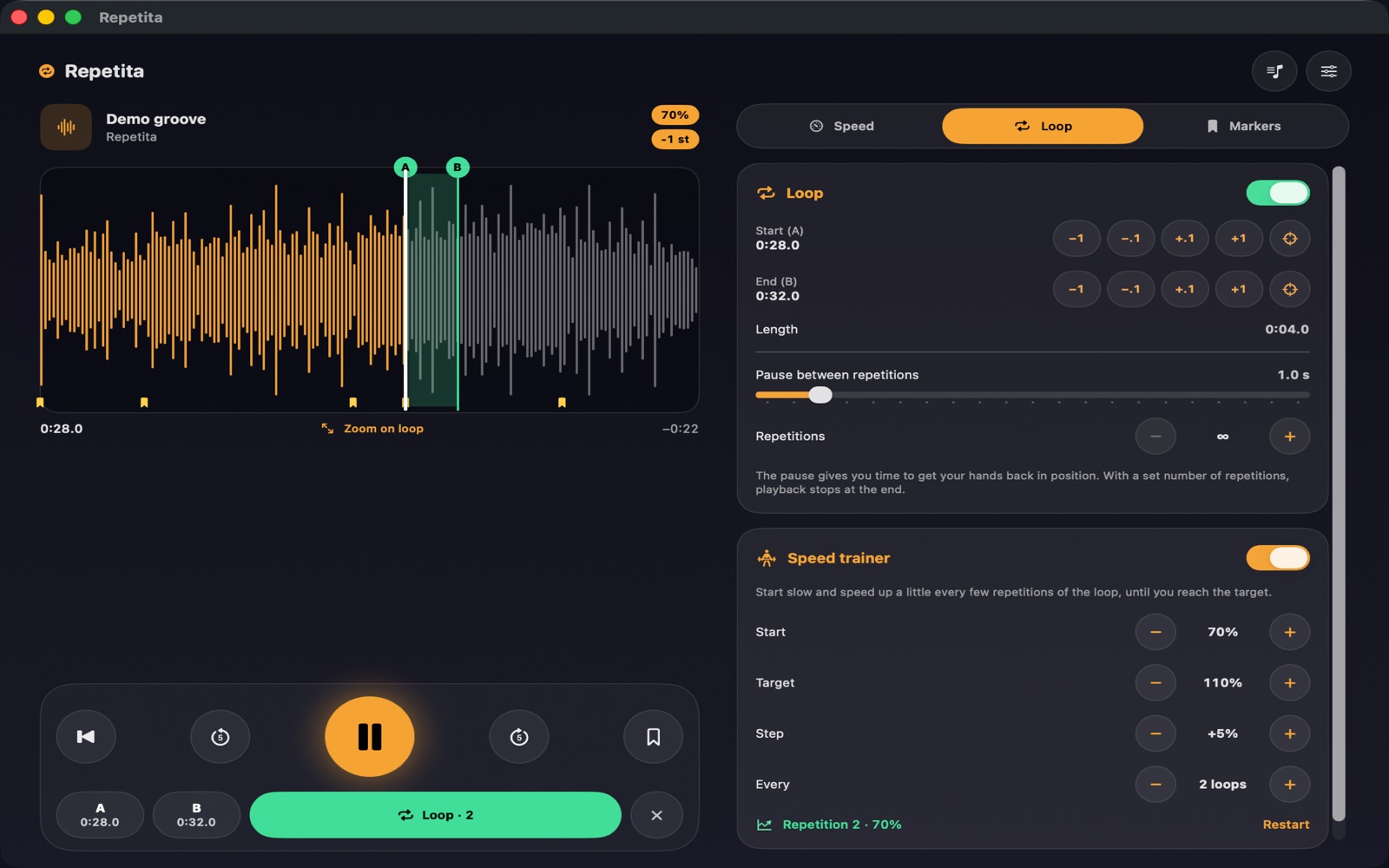
On Mac too, with a large window and keyboard shortcuts.
How it works
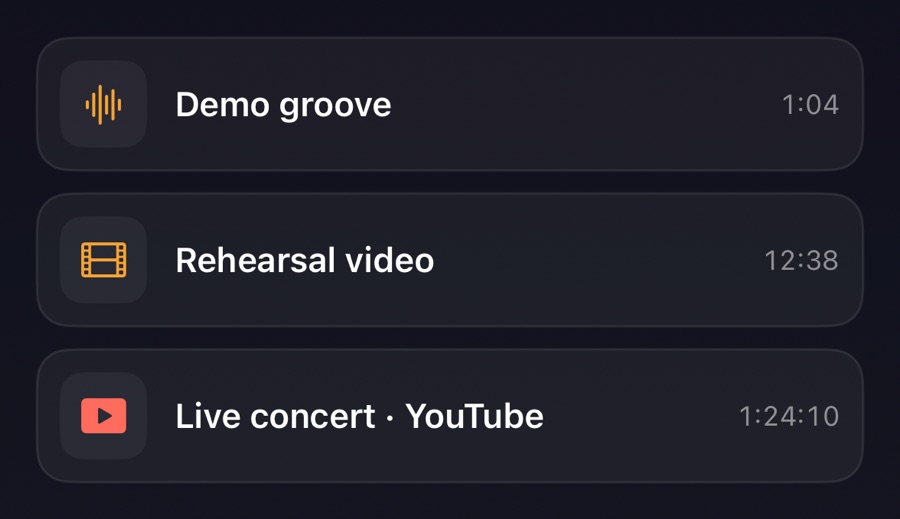
1Welcome to Repetita
Repetita iuvant: repetition helps. Open the library to import an audio or video file, or paste a YouTube link: a concert, a lesson, the song you're learning. A demo track is ready to try.
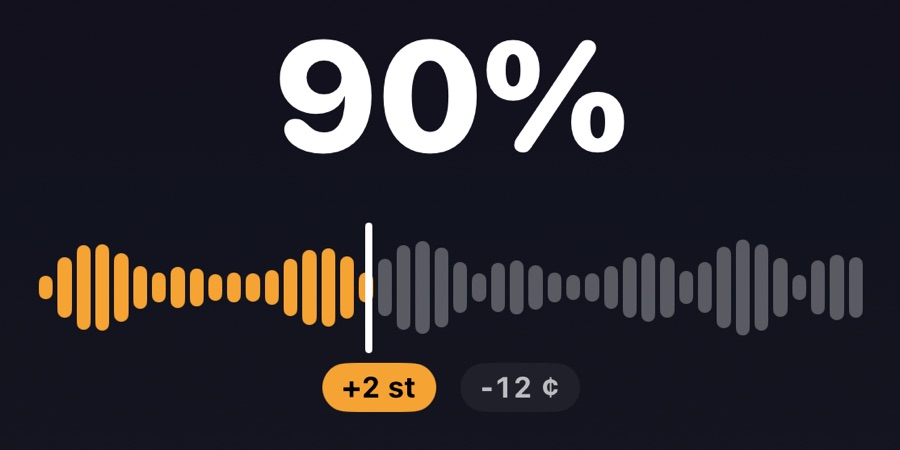
2Slow down, same pitch
Change the speed from 25% to 200% without changing the pitch. Transpose by semitones or fine-tune in cents to match your key, your tuning or an old recording.
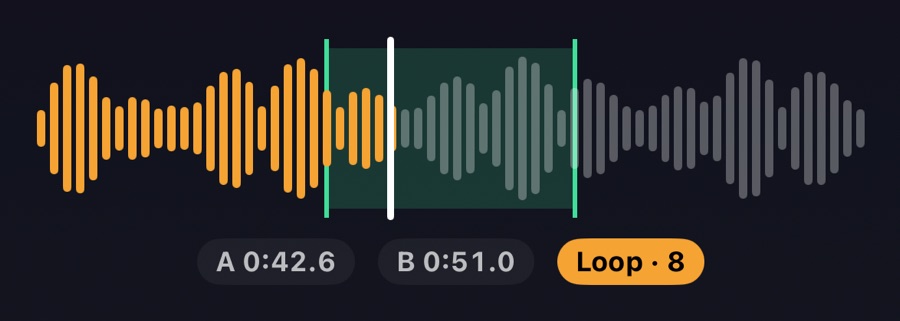
3Loop the hard passage
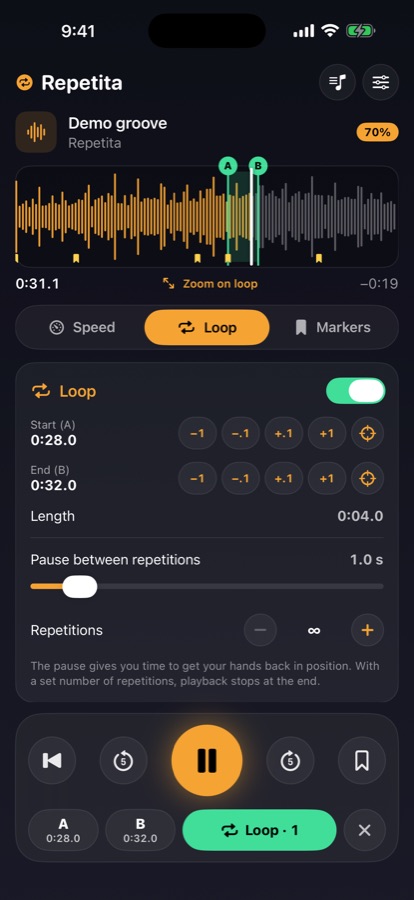
Press A at the start and B at the end of the passage, then fine-tune by dragging the handles or with the ±0.1 s buttons. Zoom on loop shows it up close.
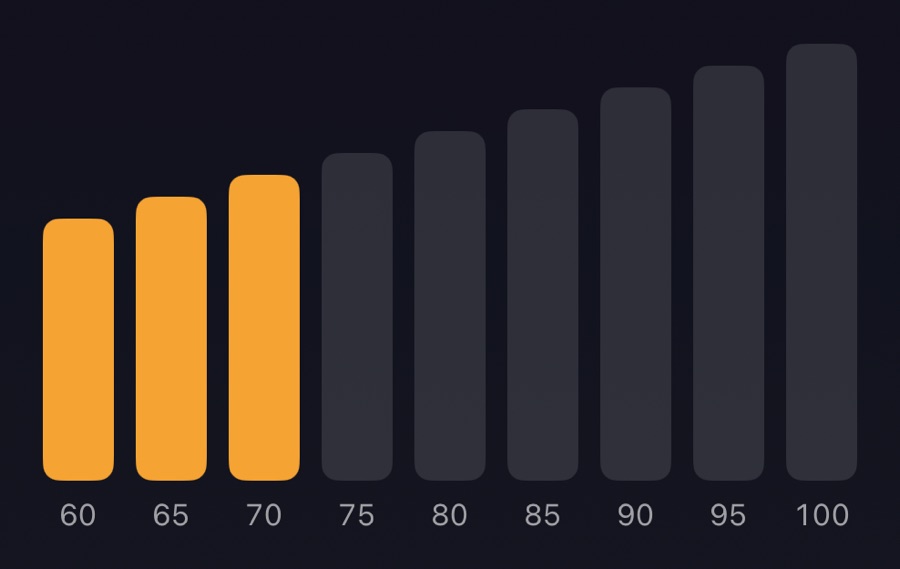
4Speed trainer
In the Loop tab, start slow and let Repetita speed up a little every few repetitions, until the target. Add a pause between repetitions or stop after a set number.
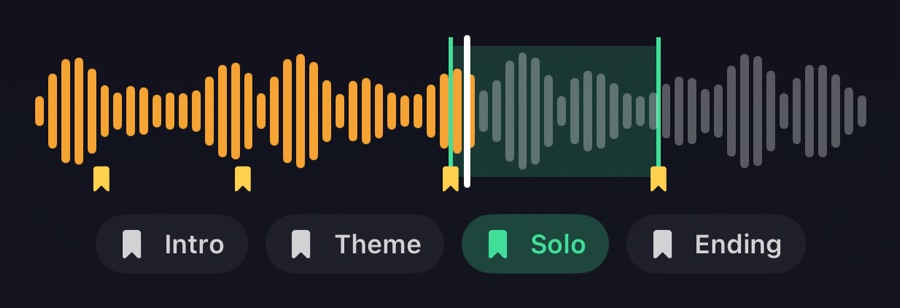
5Markers
Mark verse, chorus and solo with one tap to find them again. From a marker's ⋯ menu you can loop up to the next one.
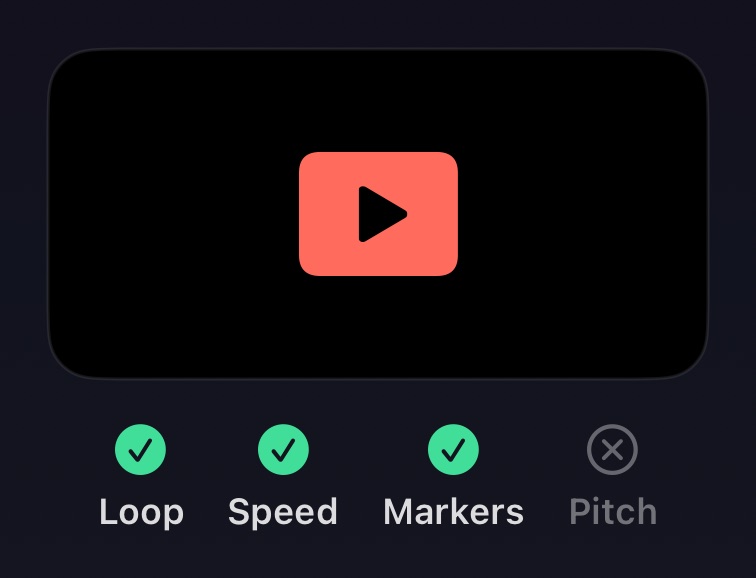
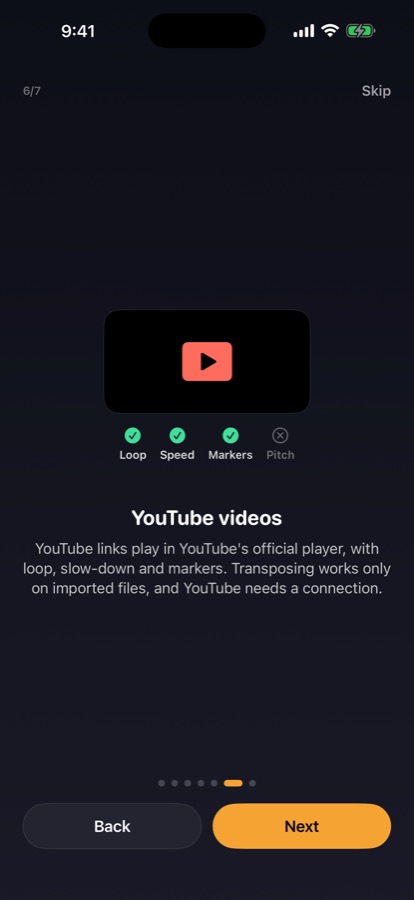
6YouTube videos
YouTube links play in YouTube's official player, with loop, slow-down and markers. Transposing works only on imported files, and YouTube needs a connection.
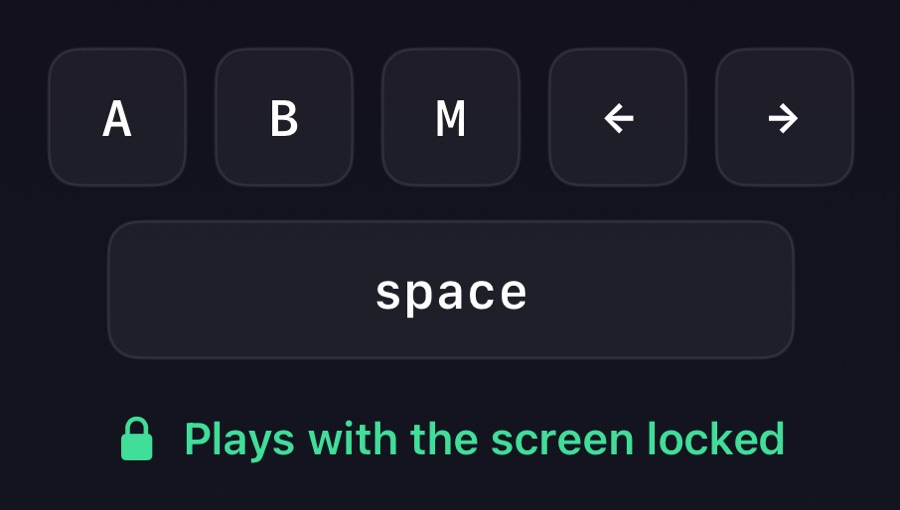
7Practice anywhere
Imported files keep playing with the screen locked, with controls on the lock screen. With a keyboard: space plays and pauses, A and B set the loop, M adds a marker, arrows skip.